
TRY WORDEASE
Your words.
See what’s possible.
Choose an example. Tap the real controls. Make it your own.
Clear workspace?
This removes the current WordEase working text. You can restore it with Revert.
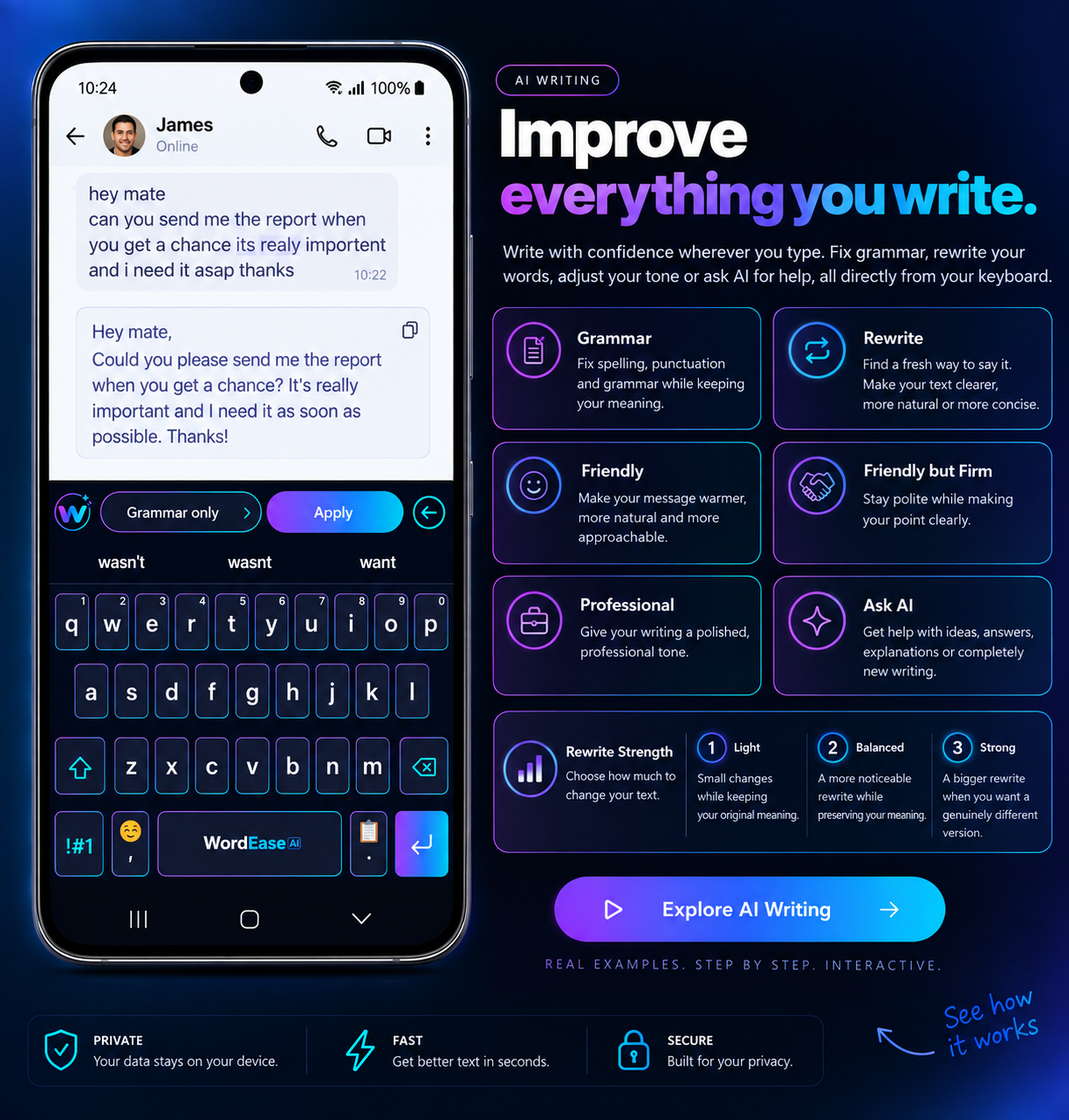
Your keyboard. Inside the app you’re using.
AI Writing
A hands-on demo with preloaded examples and local results. No live AI, account or real clipboard access. You can type and edit; AI results are available for the supplied examples.
Keyboard shortcuts & more controls
Tab between control groups. Use arrow keys within the keyboard, then Enter or Space to press a key. You can also type in the message field. Hold the full-stop key for Clipboard; hold Revert for Clear.
These shortcuts are demo helpers for the same WordEase actions. W switches between your last two working modes. Number hints on QWERTY are available by holding a key; !#1 opens symbols.